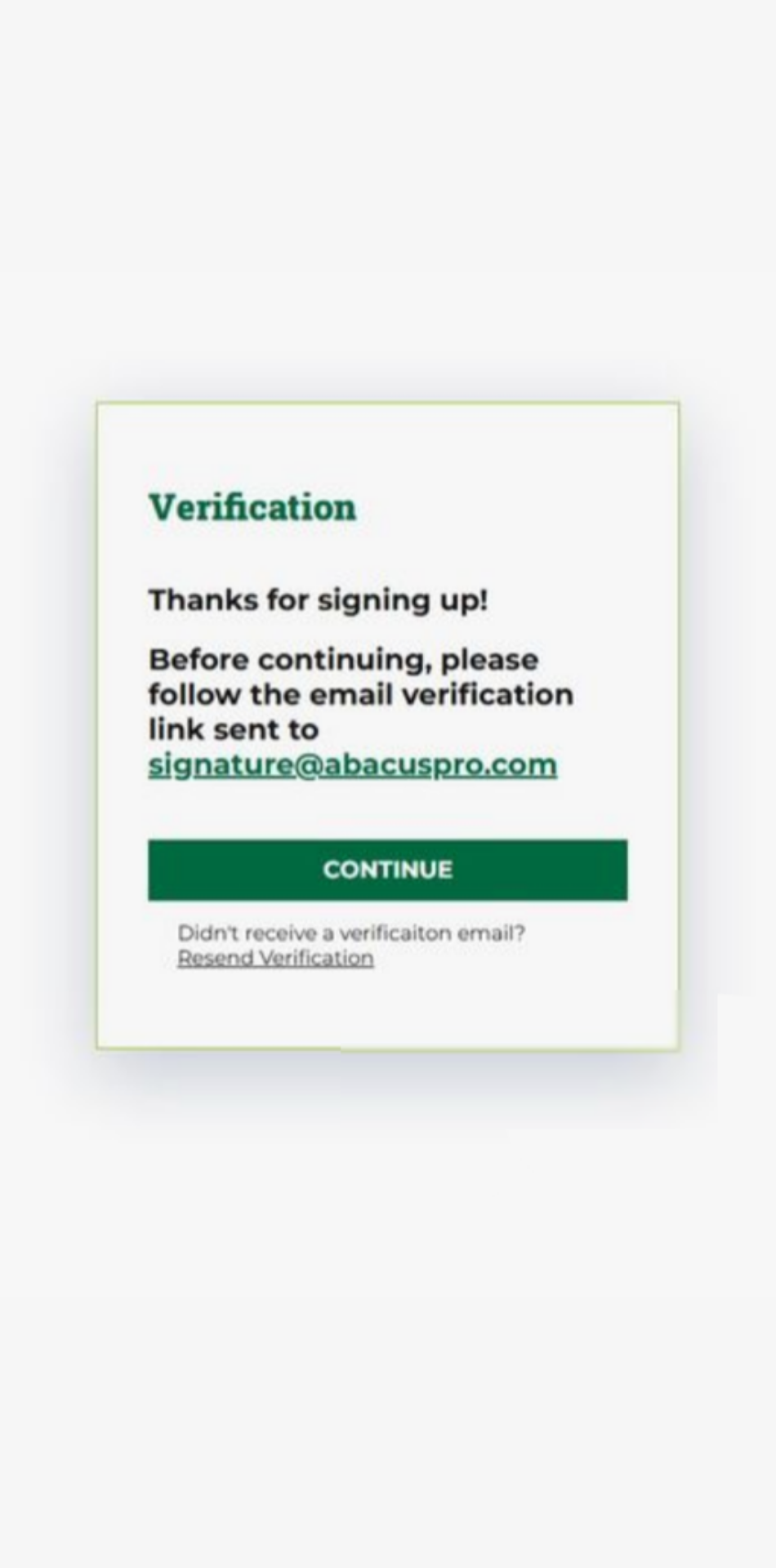
Follow this step-by-step guide to sign up for an account on the Abacus! App (mobile version), or view our web version step-by-step guide here to learn how to sign up on your web browser.
Step 1
- On the abacuspro.com homepage, click on the Abacus! App link in the right hand corner of your screen.

Step 2
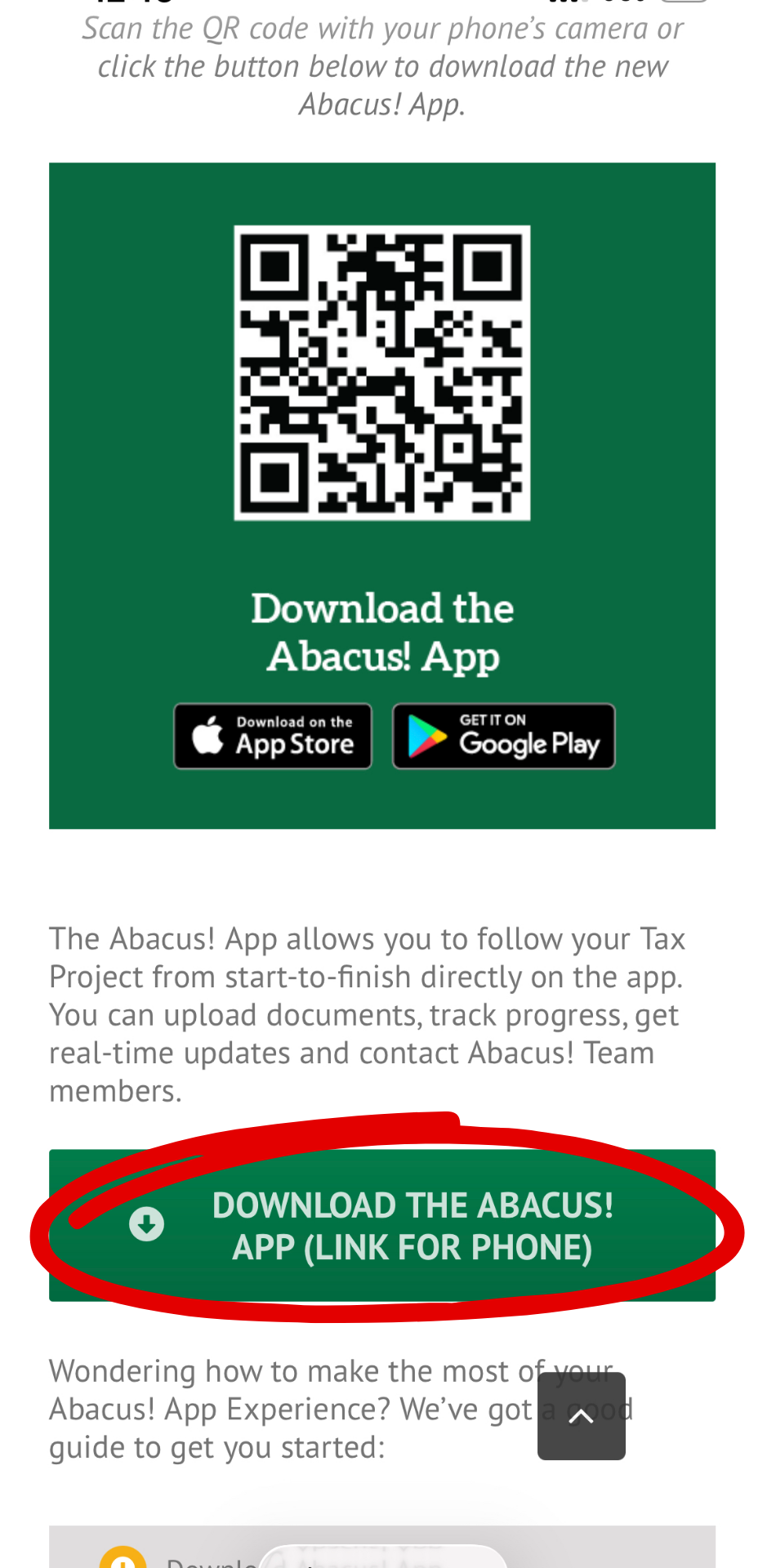
- Here, you can download the Abacus! App to your device, just click “Download Abacus! App (Link for Phone).”
Step 3
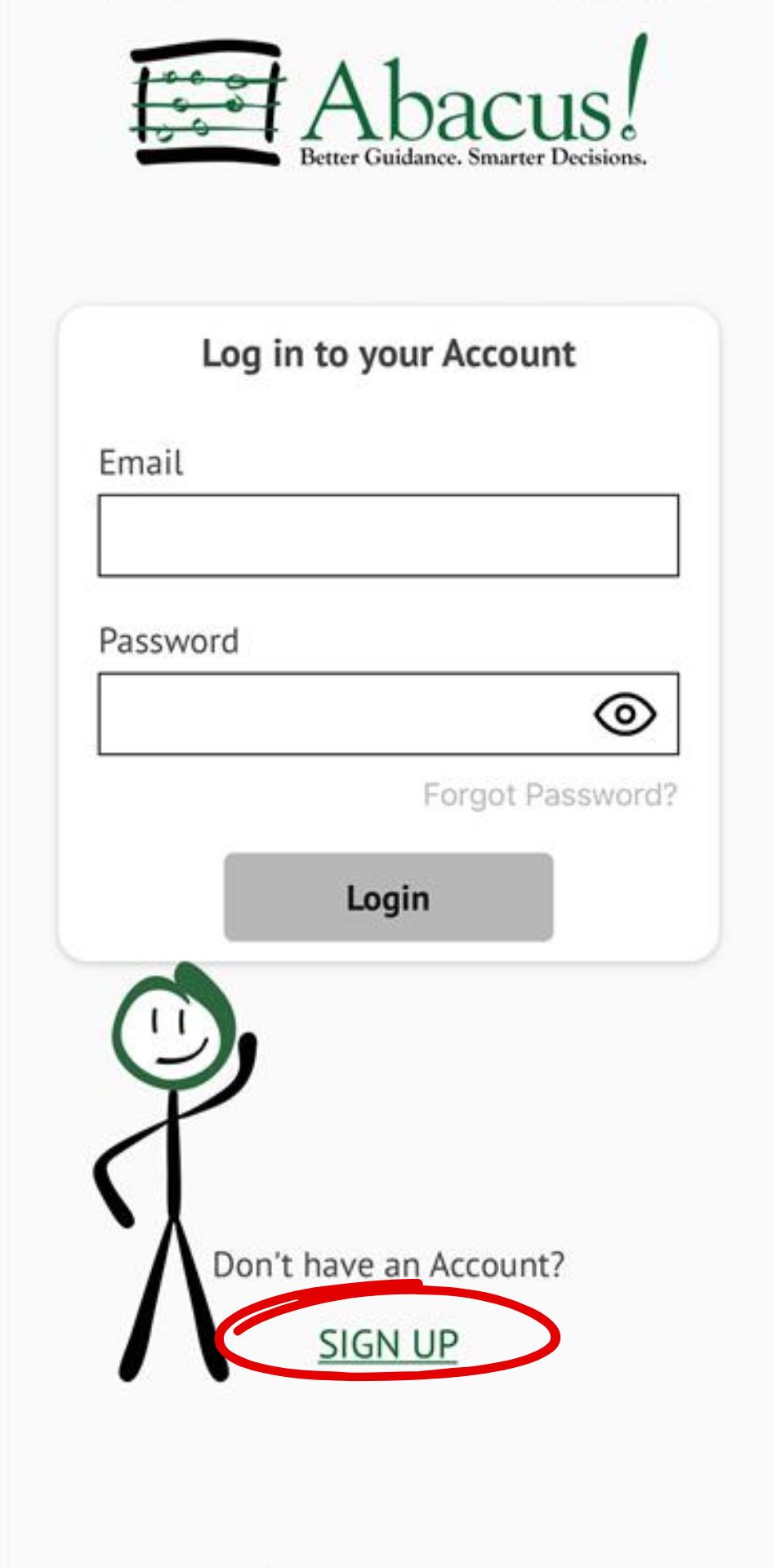
- Click “Sign Up.”
Step 4
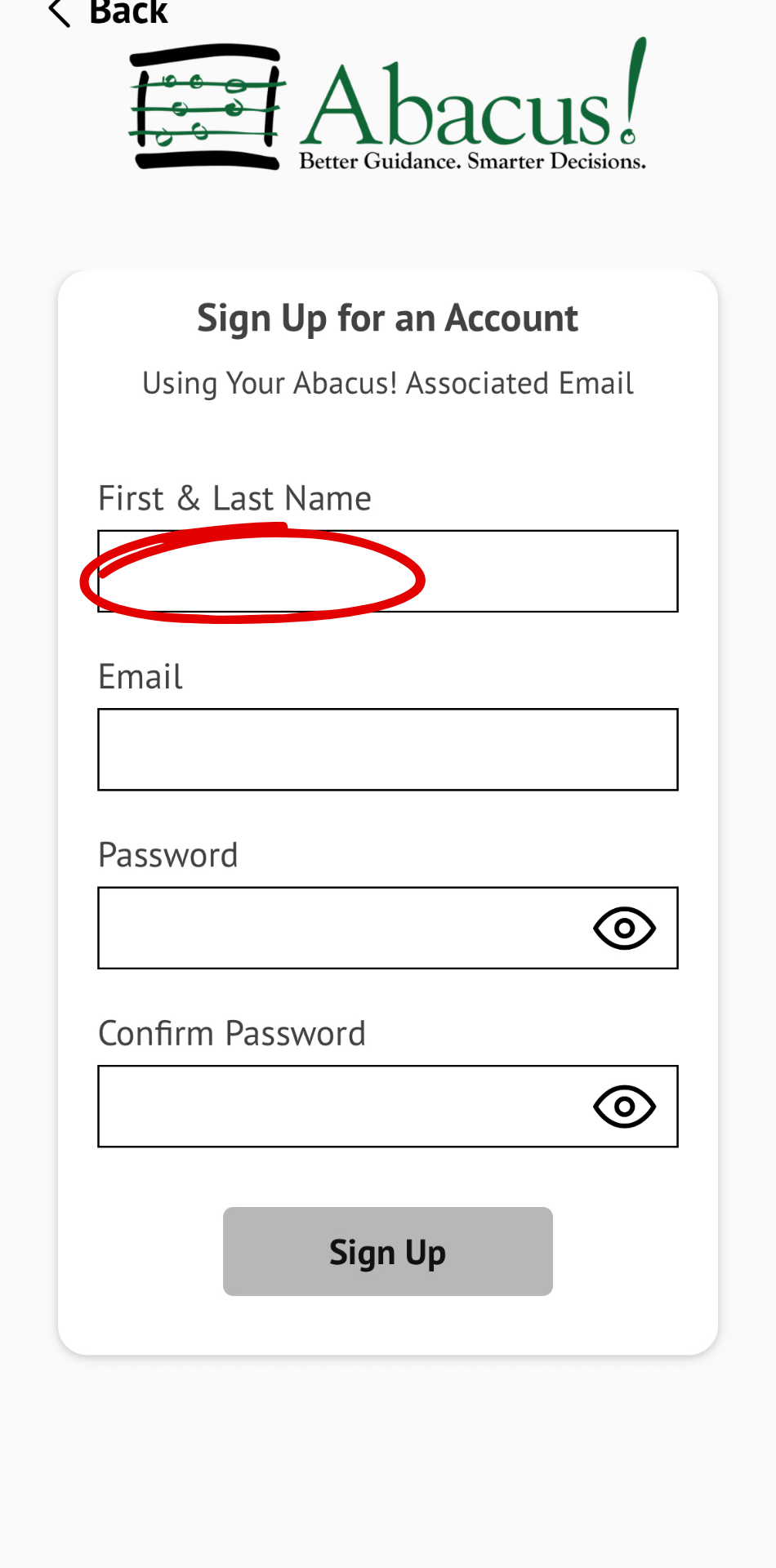
- Click “Name,” and enter your name.
Step 5
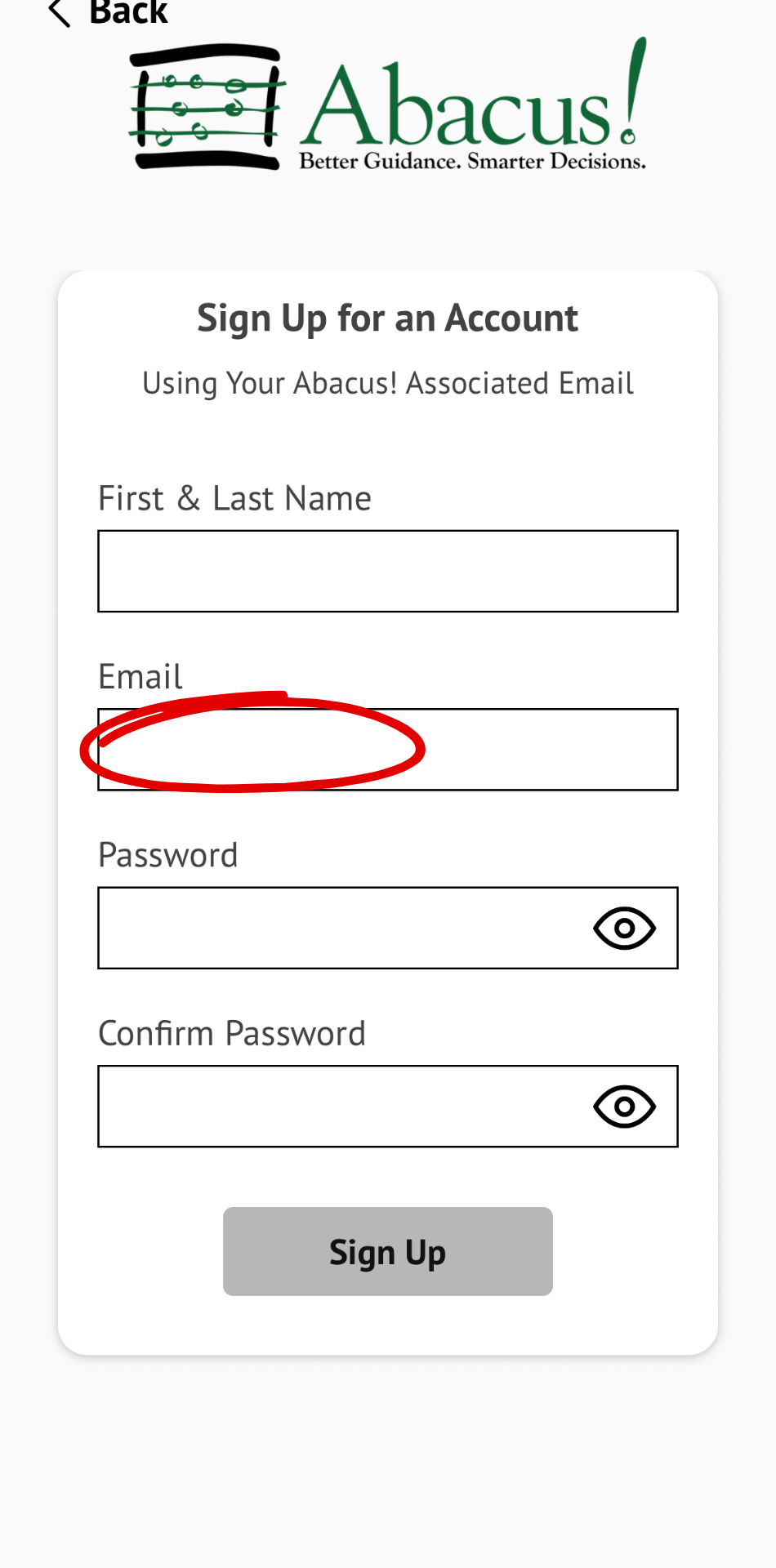
- Click “Email” and enter the email address associated with your Abacus! account (the email where you receive communications from our team).
Step 6
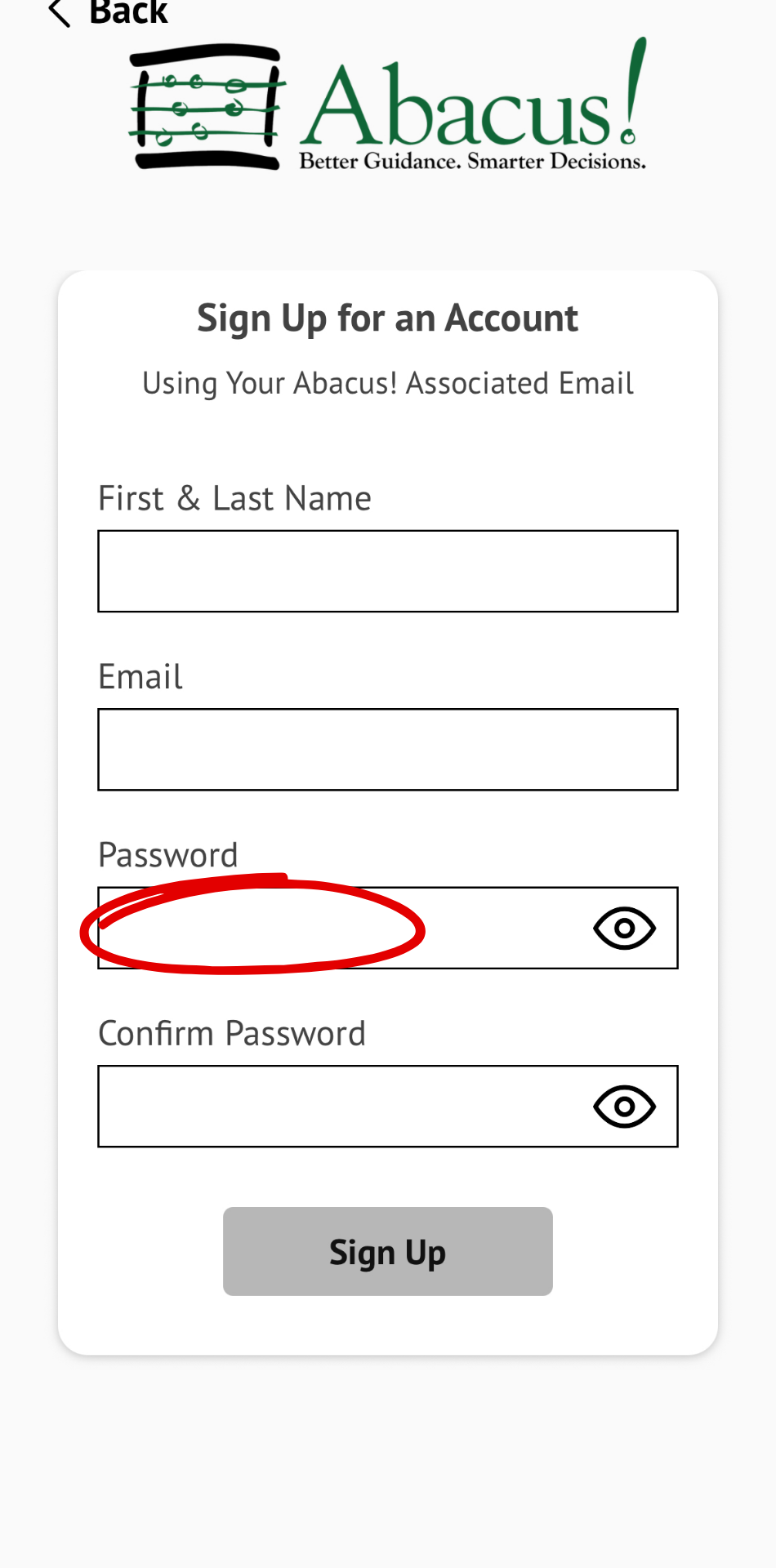
- Click “Password” and enter a secure password you will remember.
Step 7
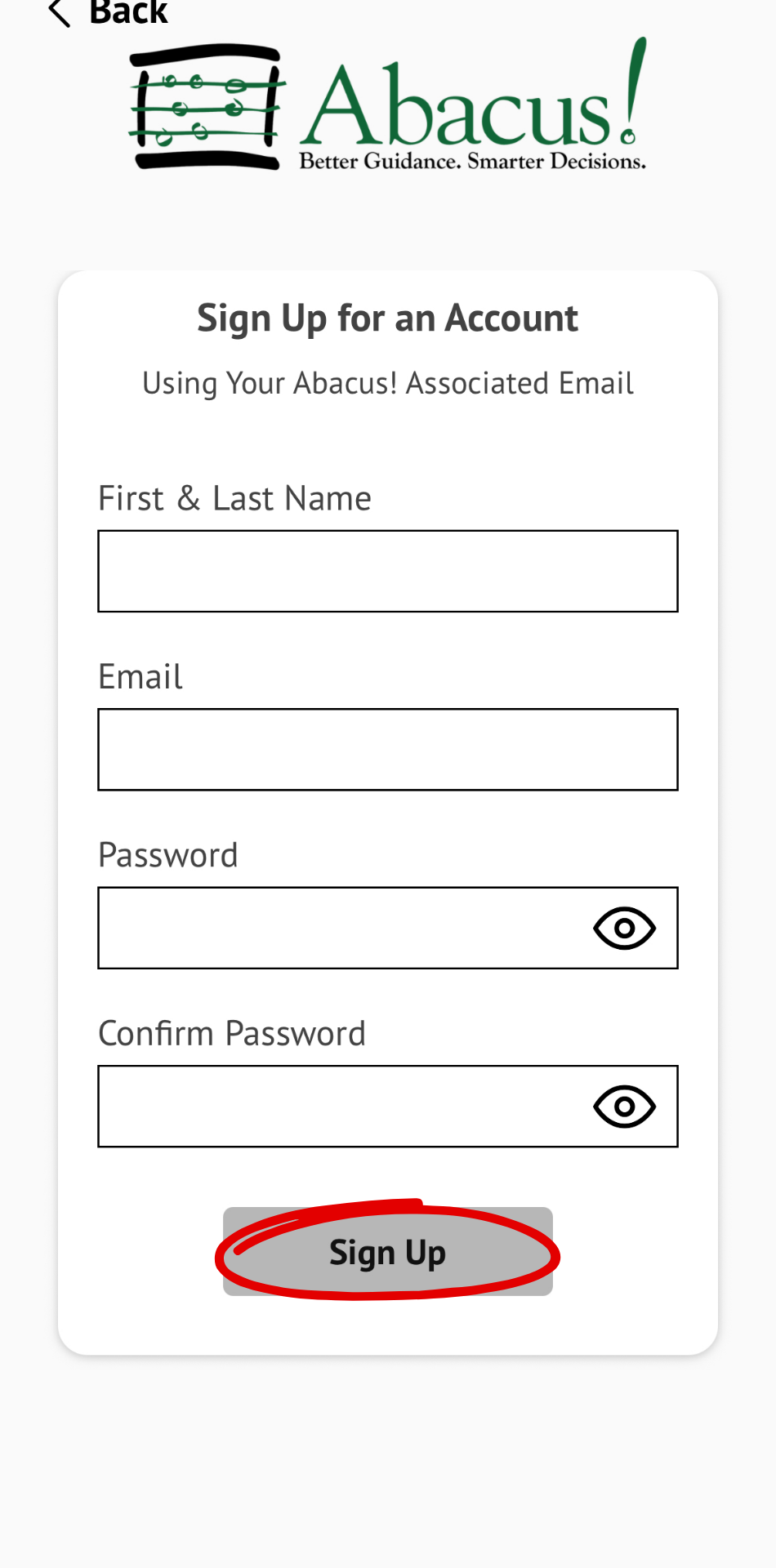
- Click “SIGN UP.”
Step 8
- Go to your email inbox and verify your email address.